Getting started
Connect your first device and run your first backup cycle.
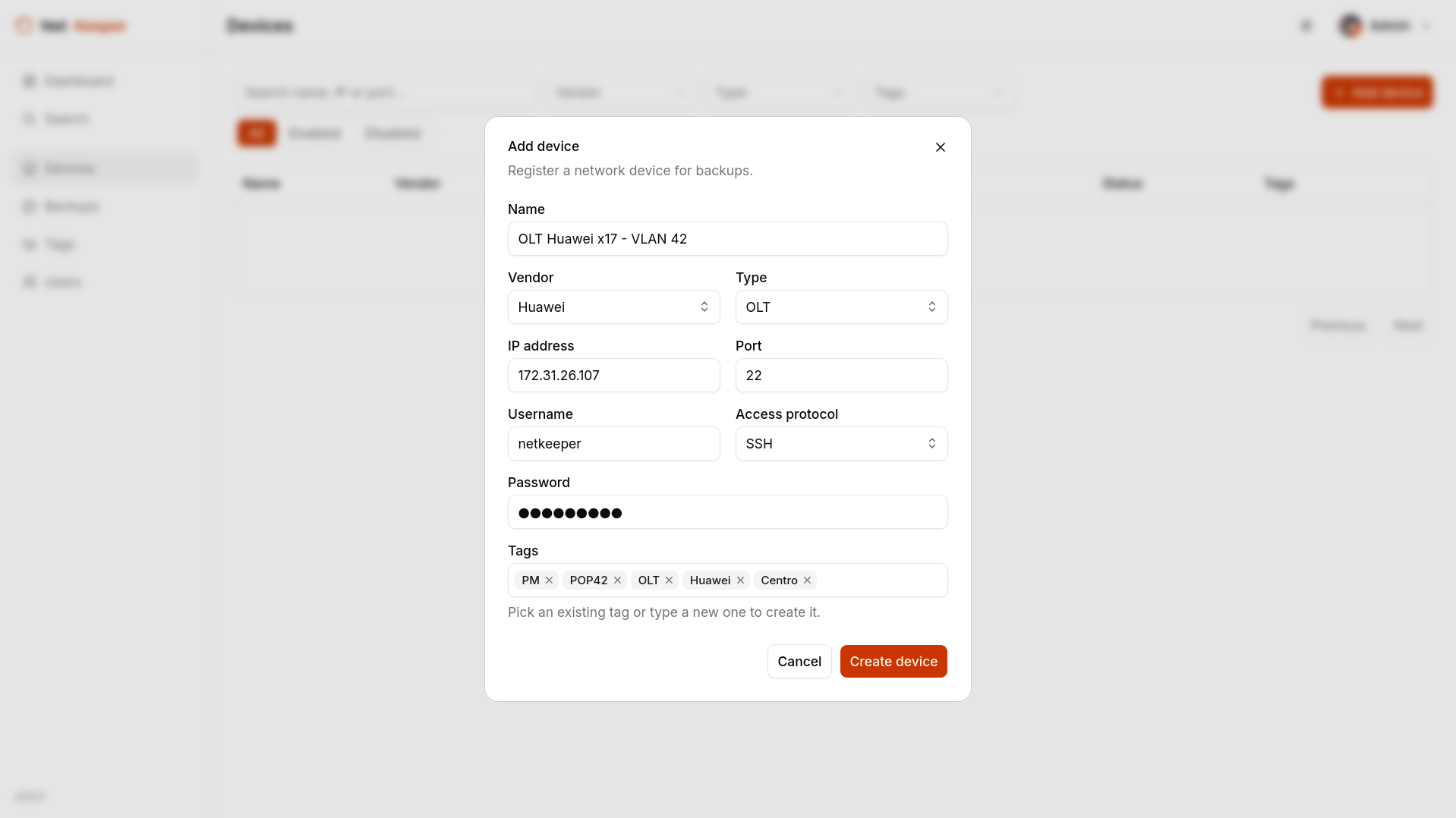
1. Add a device
Register a router, switch or OLT with its SSH or Telnet credentials, vendor, and type. Credentials are encrypted before they're stored.
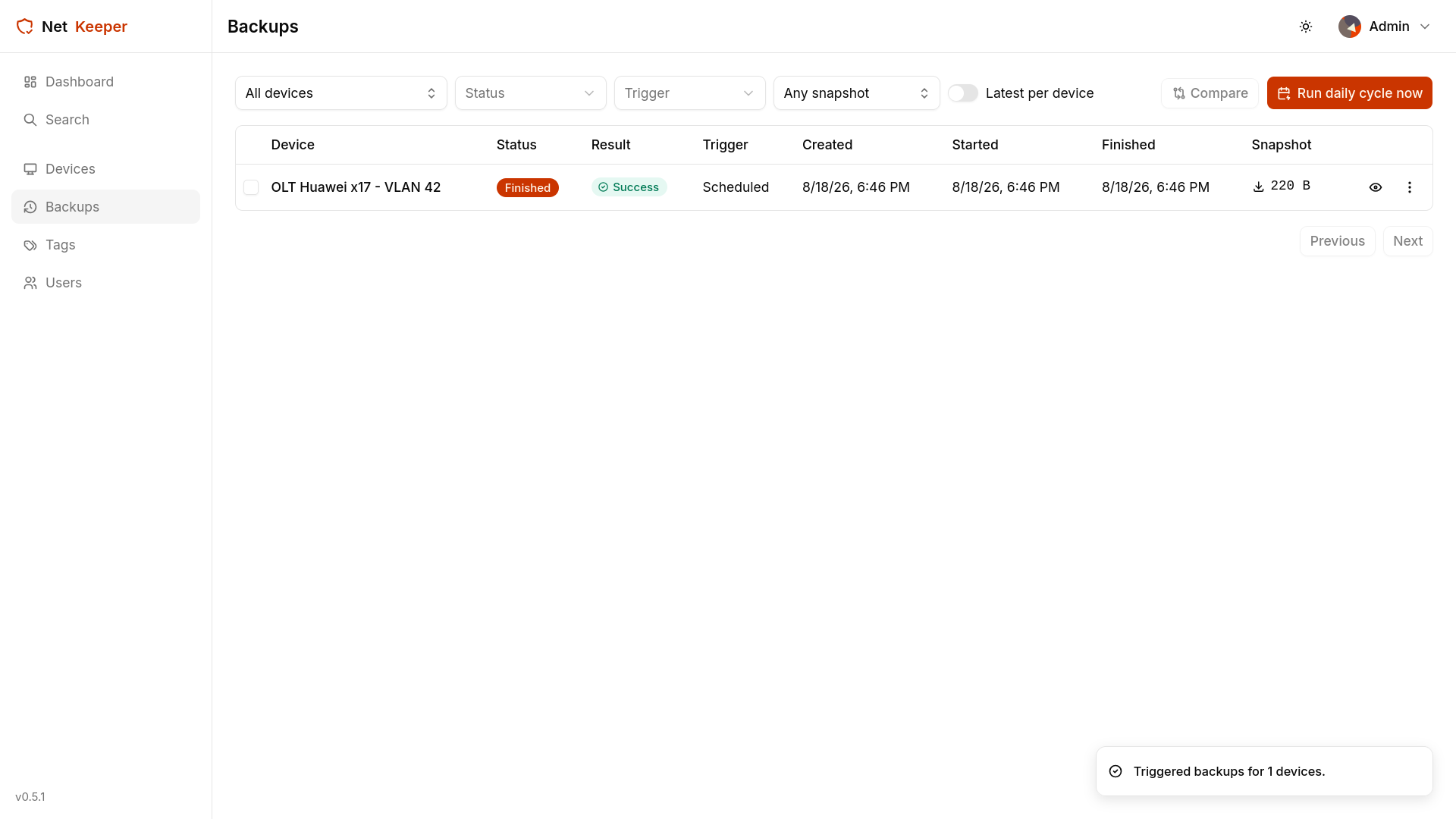
2. Let a backup cycle run
Every enabled device is backed up automatically once a day. You can also trigger a single device, or a whole cycle, on demand whenever you need a fresh capture.
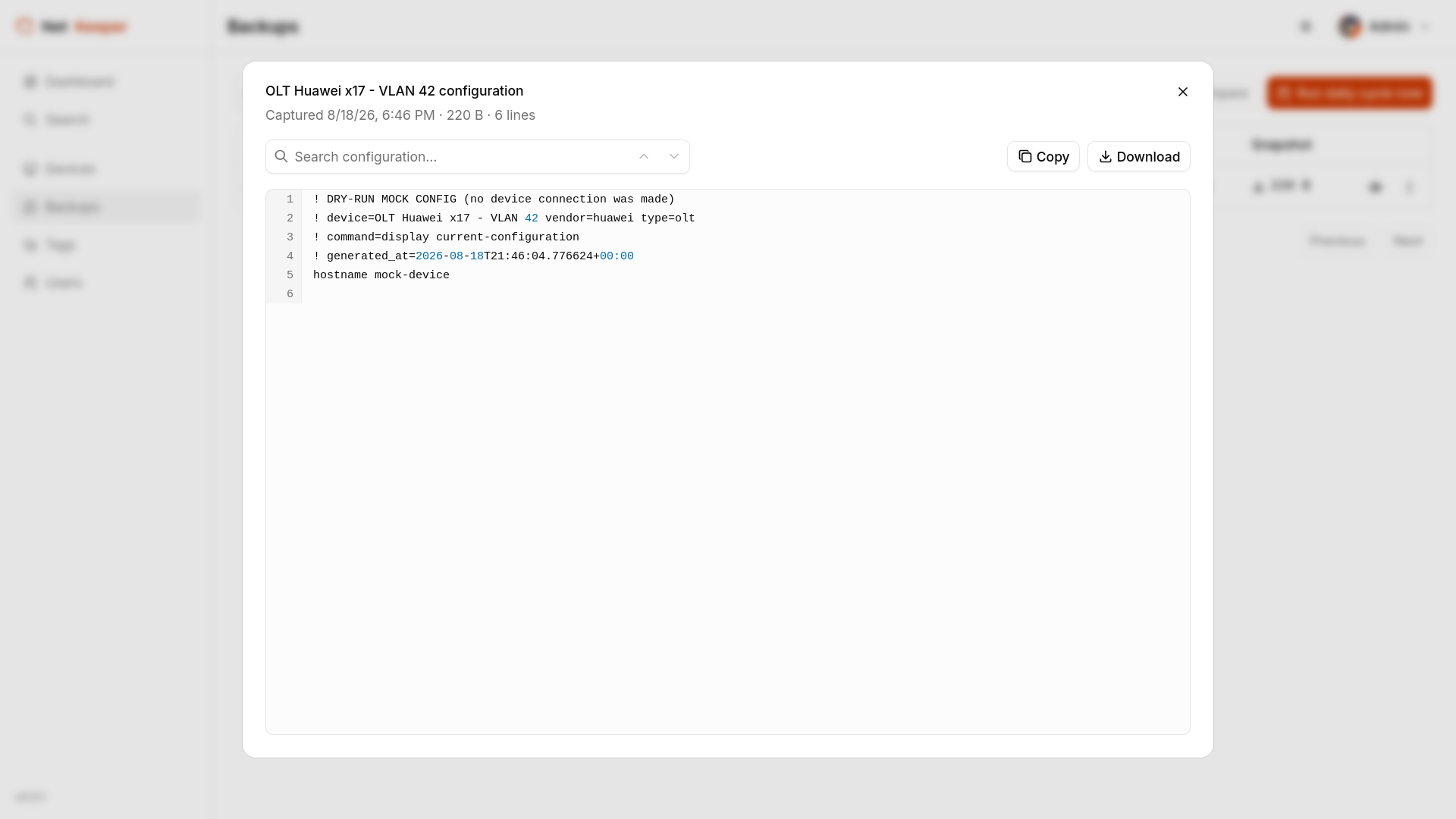
3. Read a snapshot
Each successful backup produces a snapshot: a stored, indexed copy of the device's configuration, ready to search or diff against any other snapshot of the same device.
Talk to us if you'd like a hand connecting your first devices.